Create new project
- Click on the Create new project button in the Project management tab.
- A window then opens in which the minimum data for a project are requested step by step.
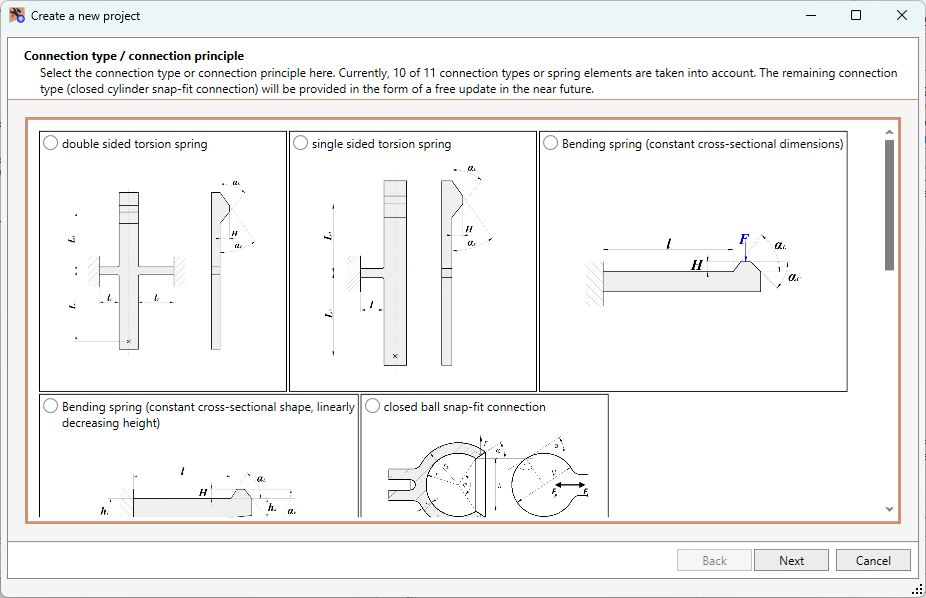
- The minimum data are the type of connection or the connection principle, the latching element and information on the material combination.
- You can close the window at any time and make or change the inputs later within the project. To do this, click on [Continue] and at the end on [Finish].
Screenshot example (selection of connection type/principle):
When you have closed the window via [Finish], the system automatically switches to the project view. Here you can now enter all missing data and correct/precise existing data.
If necessary, switch to the Project Management tab again to save your inputs. There is also a corresponding menu item in the main menu Project to save the data.
If it is a new project, you will be asked to specify a file name and a storage location when saving.