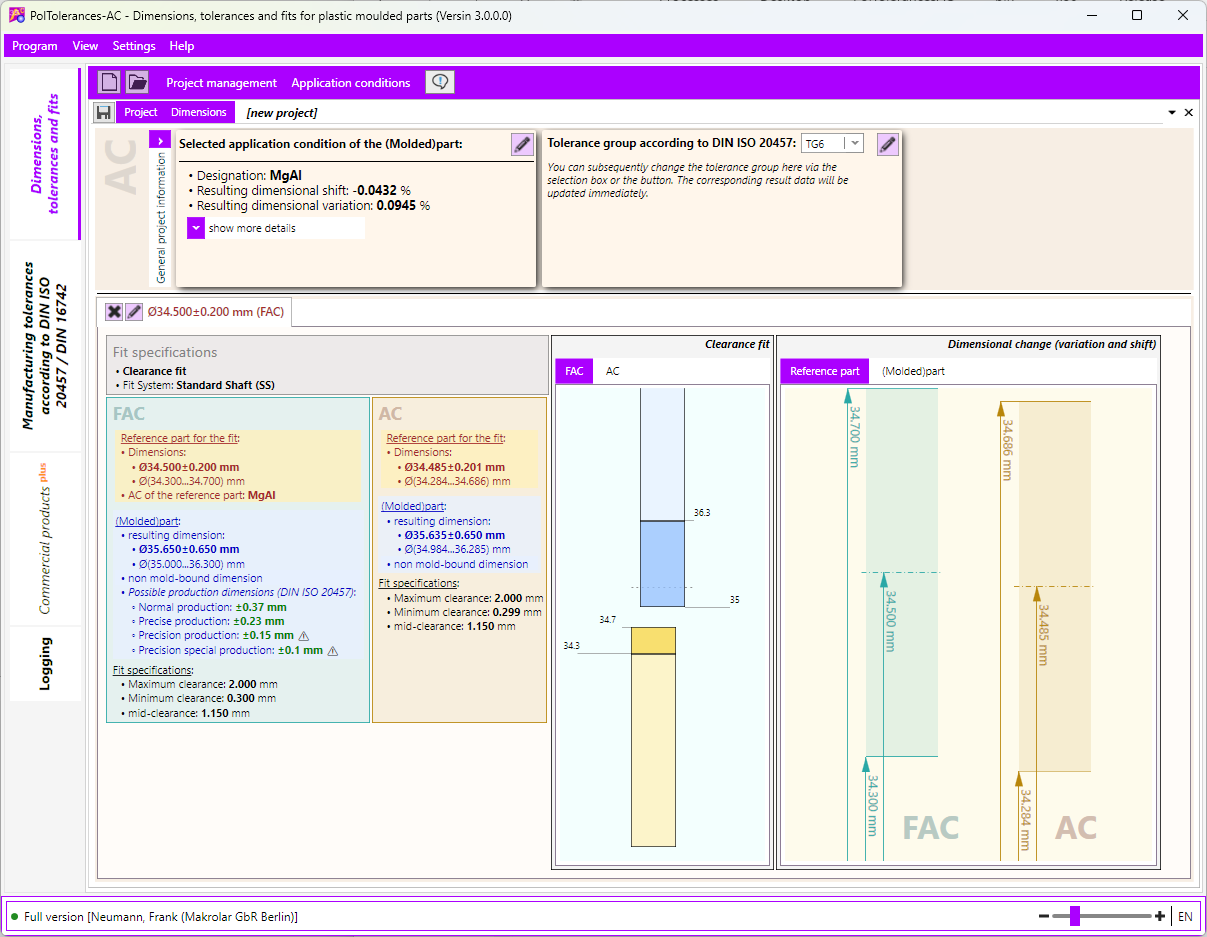
fit dimensions
- In the project main menu, select “New Fit Dimension…”.
- A wizard window will open.
- Follow the instructions on the screen.
- Finally, click [Finish].
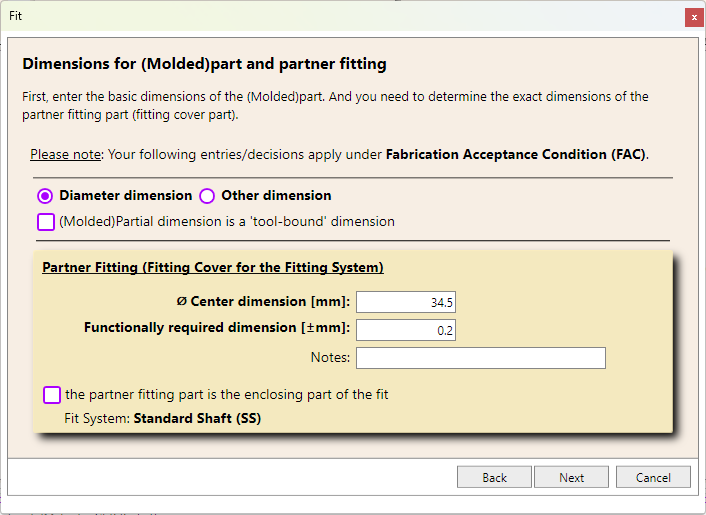
First, enter the basic data for the (molded)part and the detailed specifications for the fit reference part in the selected dimensional reference system.
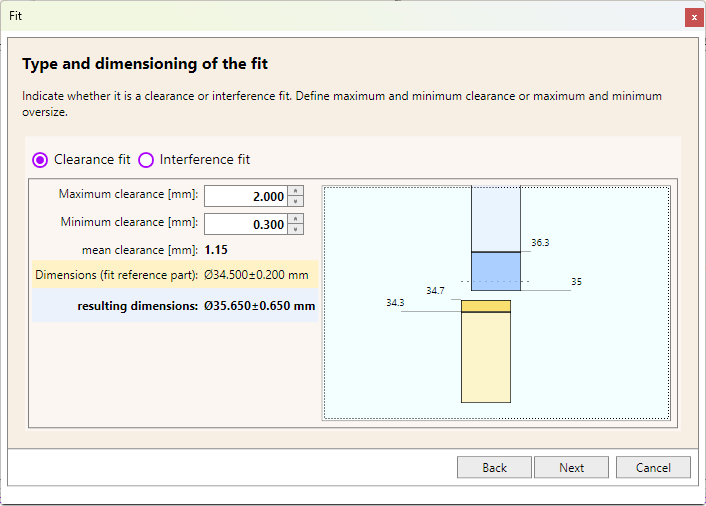
The fit specifications are then entered. The resulting dimensions of the (molded)part are calculated and displayed.
The new fit dimension is added as a tab in the module main window.