management/definition of application conditions
First, application conditions (AC) must be defined in order to transform dimensions and fits into the respective other dimensional reference system.
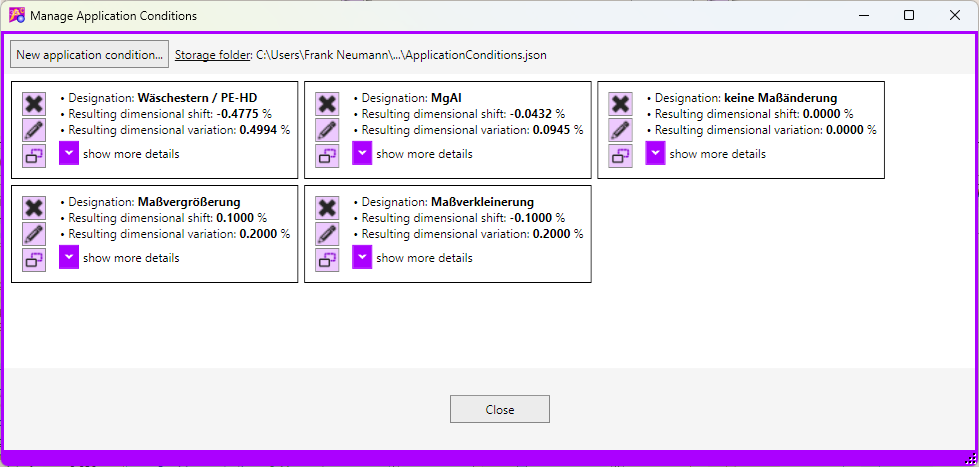
You can, among other things:
Notes
- Application conditions are uniquely identified by their name. This means that each defined AC must have a unique designation.
- The assignment to projects, mating parts and/or individual dimensions is carried out via this designation.
- If an AC assigned to a project is deleted, the assignment within the project will be lost. When the project is loaded the next time, a corresponding notification will be displayed.
- The ACs are stored in a “readable” file format. If necessary, create backup copies for data security.
- The storage directory for this file can be changed via the application settings.