Edit project
The various inputs and decisions are logically grouped. These are arranged in individual tabs. The tabs can be opened and closed individually/together.
If all inputs per tab are complete and correct, the heading of the tab appears in black text colour. As long as inputs/decisions are still missing, the text colour is red.
In addition, in the case of input fields, a note text may be displayed immediately next to it describing the error in more detail.
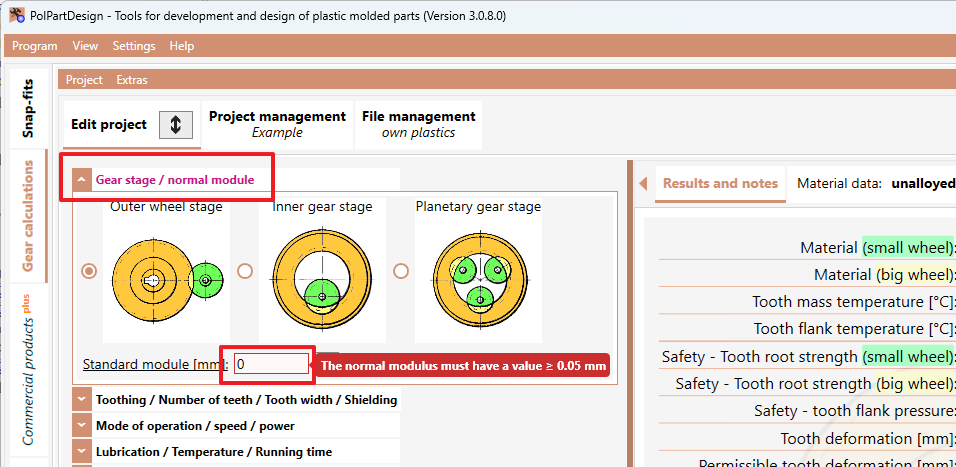
We recommend that you go through the inputs from "top" to "bottom", as certain intermediate results depend on previously made inputs/decisions.
As soon as all inputs have been made, the results are displayed on the right. Now you can change any inputs/decisions and immediately evaluate the resulting effects.