Project management
For project management, there is a corresponding menu in the main menu and a separate Project Management tab in the main window of the software.
The minimum requirement for saving a project is the project name. As soon as you have entered this, you can save the project via the corresponding button or the menu item. A dialogue opens in which you can specify the storage location and the file name.
Further project details are editor and description. All information can be added and edited later.
The description can be formatted according to your wishes by marking the desired text. Then a context menu opens with the corresponding format options.
All project details/inputs/decisions can be displayed in a print preview and printed out.
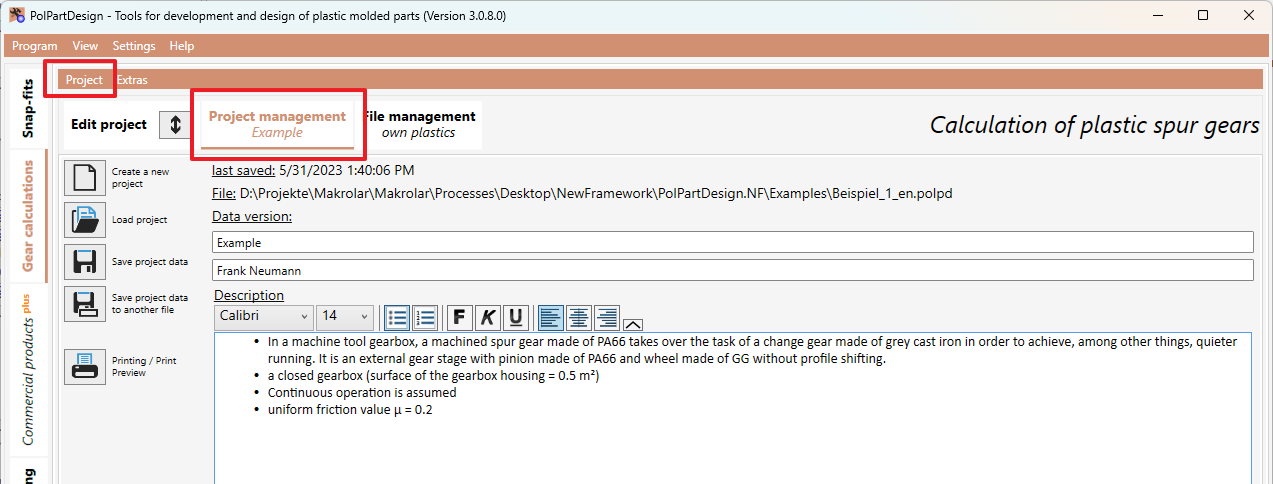
Furthermore, via the corresponding buttons/menu items you can:
- create a new project (your previous inputs will be lost)
- load an existing project from a file (your previous inputs will be lost)
- save the project in a new/other file