other inputs
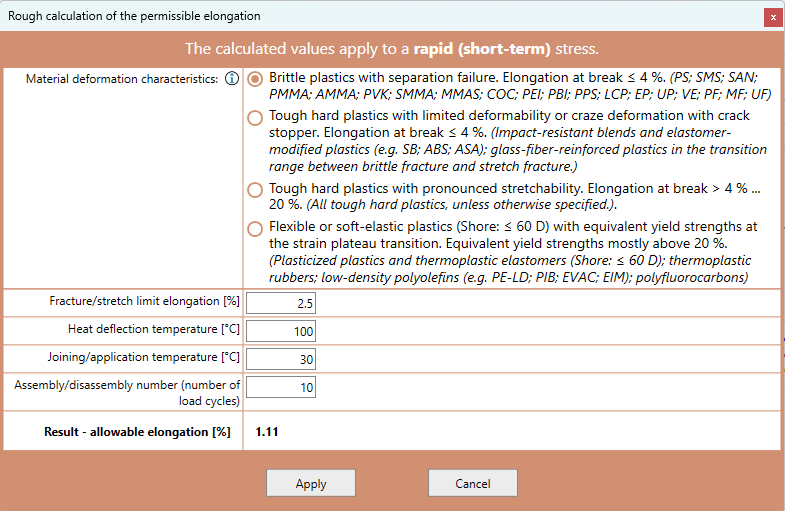
For the other inputs, you can simply enter the corresponding values or have them calculated roughly. For example, we have integrated calculation modules for E-modulus, E0-modulus, the permissible elongation and the coefficient of friction.
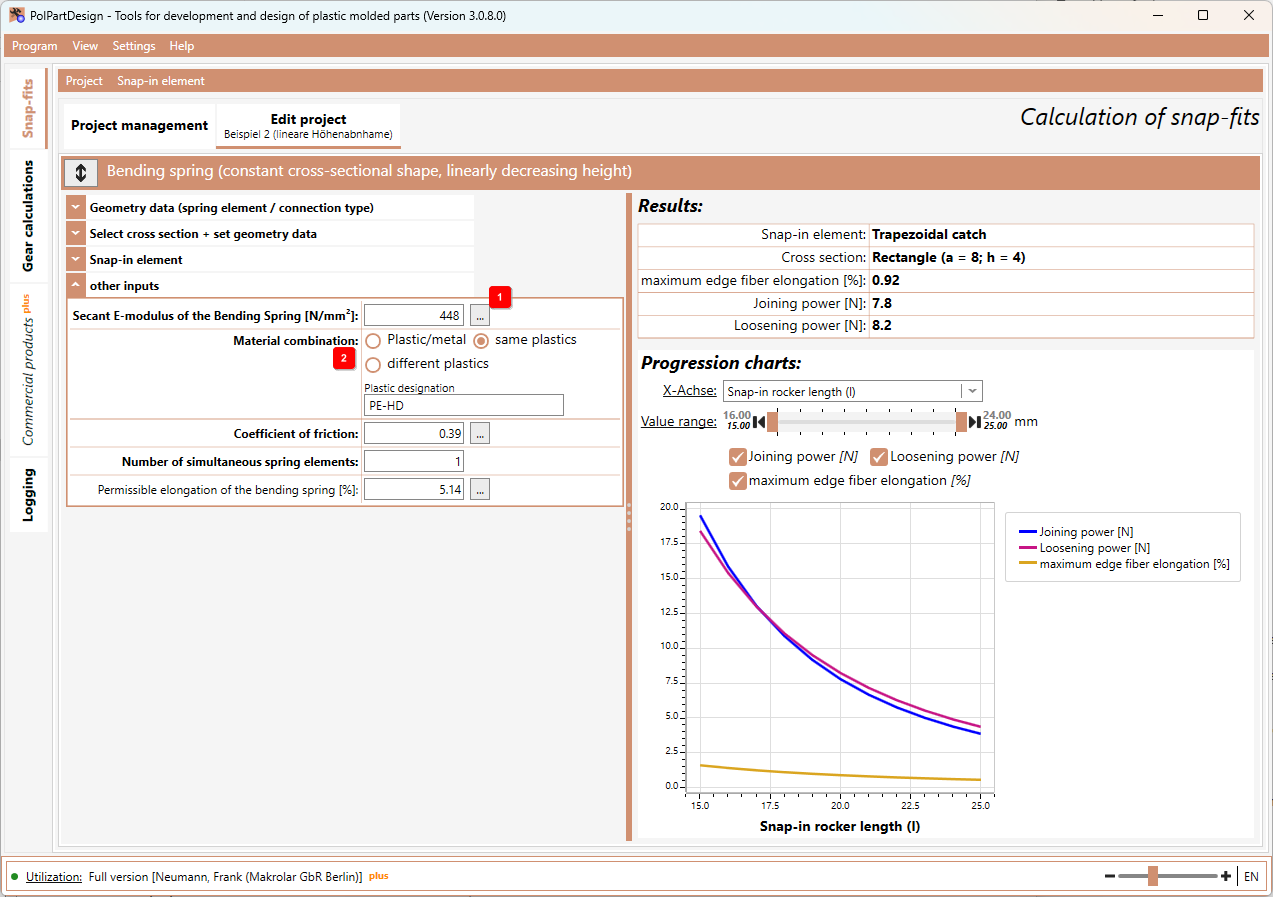
Select the button 1 next to it to call up the calculation dialogue. At the end of the dialogue, the result is displayed and you can accept the values.
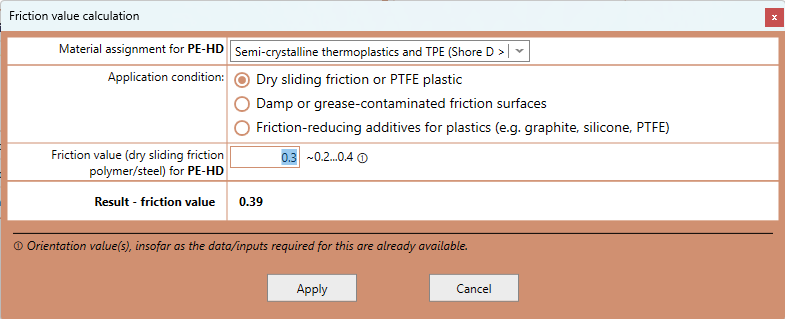
The calculation of the friction coefficient depends on the selected material combination. This means that you must first select the type of material combination 2 before you can call up the dialogue for the coefficient of friction.
The software usually remembers the last entries of the individual calculation modules (independent of the project). This means that when you call it up again, the last data entered is still contained. This also applies if you exit the software, restart it or edit a new project.
Notes on the calculation of the secant E-modulus:
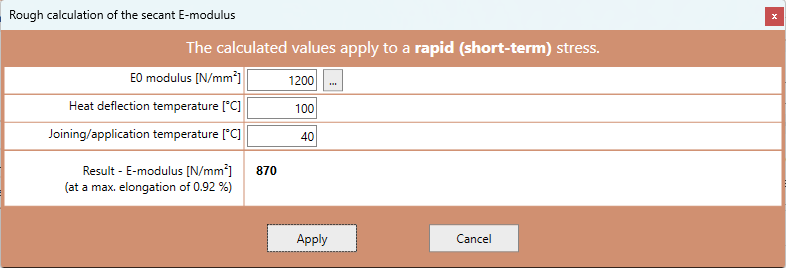
- For the rough calculation of the secant E-modulus, the max. elongation is required. This in turn requires that the corresponding geometric dimensions have been entered beforehand. Depending on the connection type, further data may be required for the calculation of the max. elongation. A corresponding message may also be displayed.
- This also means that you should check the secant E-module again if you change the required data.
Secant E-module:
Friction value:
permitted Elongation: