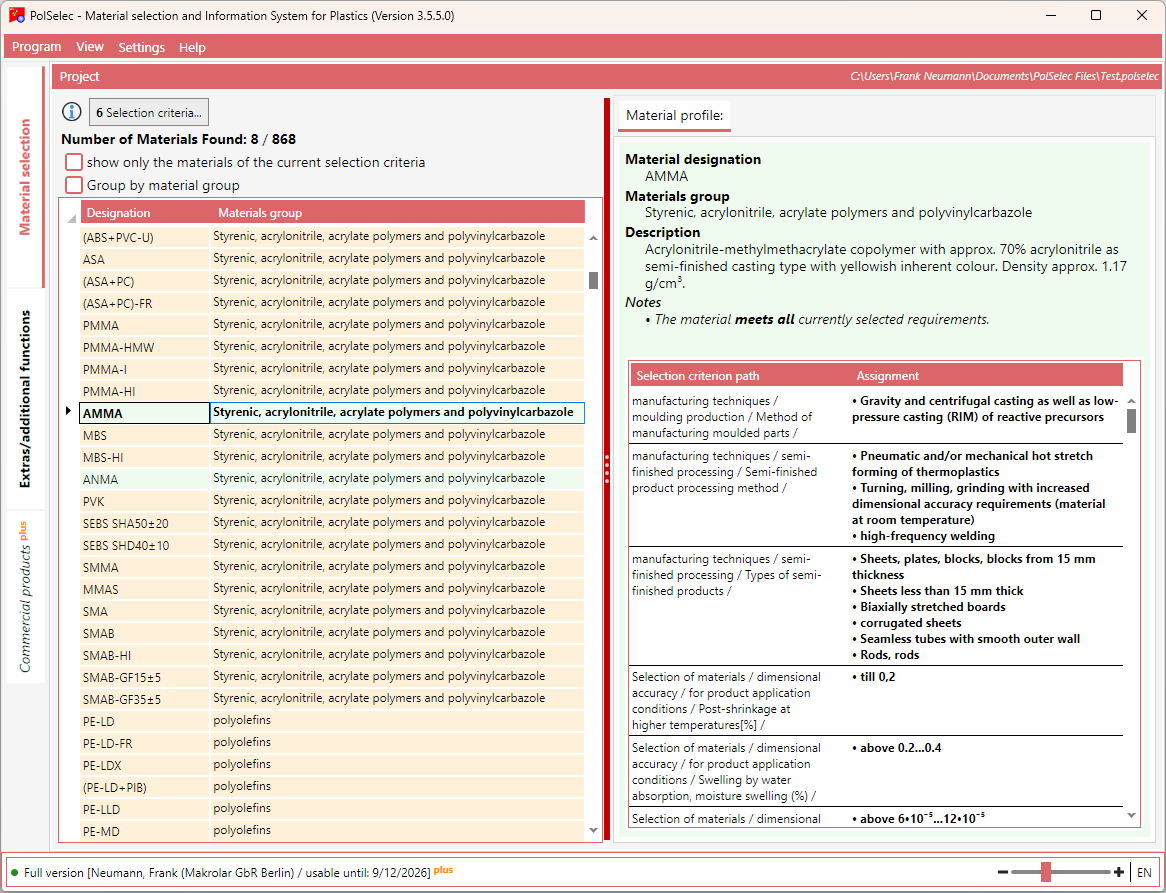
The material list is automatically updated as soon as the selection criteria change.
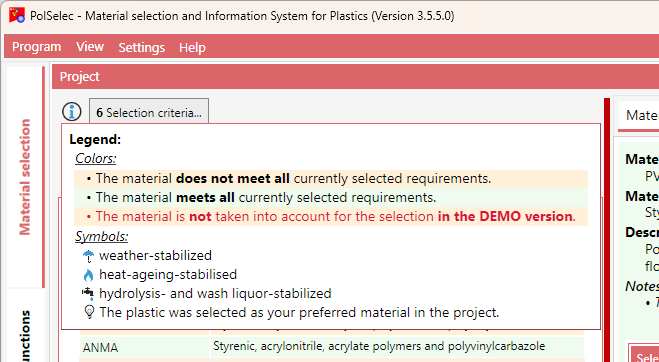
The colors and symbols used are explained in the legend.
The material list can be grouped by material groups. In addition, the list can optionally be filtered to show either all materials or only the materials matching the current selection. The number of materials found is displayed above the list.
In the right-hand area of this view, you can see the details as well as the assignment profile of the currently selected material.