Application requirements
If you click the [Application Requirements...] button in the "Selection Criteria" window, another window opens.
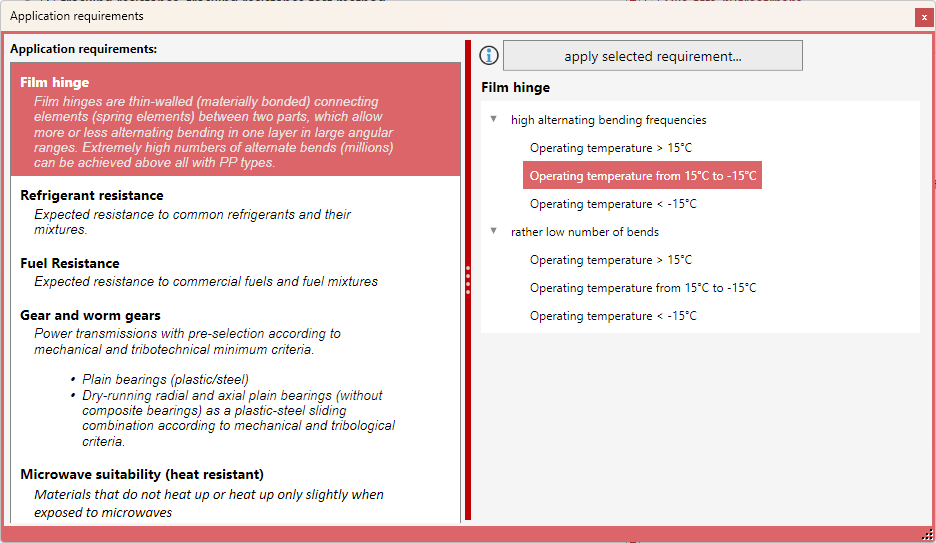
On the left, the various application requirements are displayed. Clicking on a requirement lists the corresponding requirement variants on the right, if available. Each application requirement has a list of corresponding selection criteria behind it.
Why do these lists exist?
When selecting a material, the user generally has to mentally infer specific material requirements from the application requirements of the product, molded part, or application. It is not always obvious which material selection criteria lie behind a particular application requirement. This list is intended to support you in this translation process – from application requirement to material requirement.
We will expand and refine the application requirements step by step. The new data will be made available to you as part of the corresponding software updates.
If an application requirement matches your application conditions, select it and then click the [apply selected requirement] button. This will add all selection criteria assigned to the application requirement to your material selection.