new project
- In the main menu of the software module, select Project Management → “New Project…”.
- A wizard window will open. Follow the instructions on the screen.
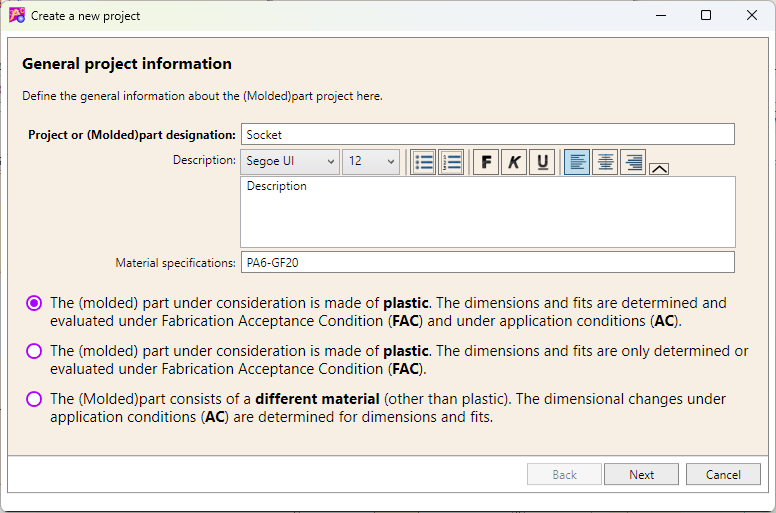
- Enter a name for the project and optionally add a description and material information.
- Select the general project type.
- Depending on the project type, the application condition (AC) determining the (molded)part and/or the tolerance group according to DIN ISO 20457 must be assigned.
- If you have not yet created an AC, you can do so within this context.
- Finally, click [Finish].
Afterwards, independent dimensions and fit dimensions can be added.