Operation
- In the module main window or in the main menu “Application Conditions”, select the function “Manage…”.
- A new window will open displaying the application conditions (ACs) defined so far.
- Here you can add a new AC or edit an existing one.
- You can also copy an AC as a template for another AC and then modify it accordingly.
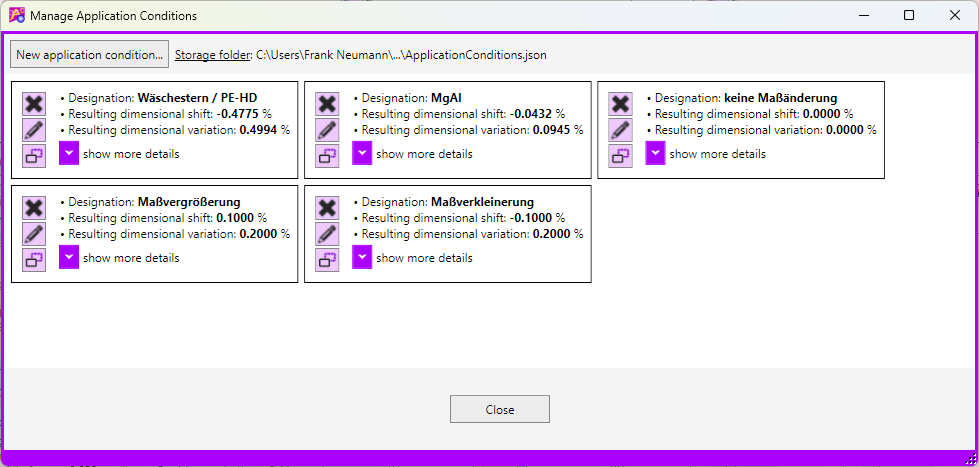
Click [New Application Condition…] at the top to create another AC.
See also: Create a New Application Condition