Management
Up to 10 different variants can be managed per project
The following options are available to add a new/additional variant:
- new empty variant (no inputs/decisions given)
- new variant via wizard (you will be guided step by step through the entries)
- a copy of an existing variant (all data of the variant to be copied will be taken over)
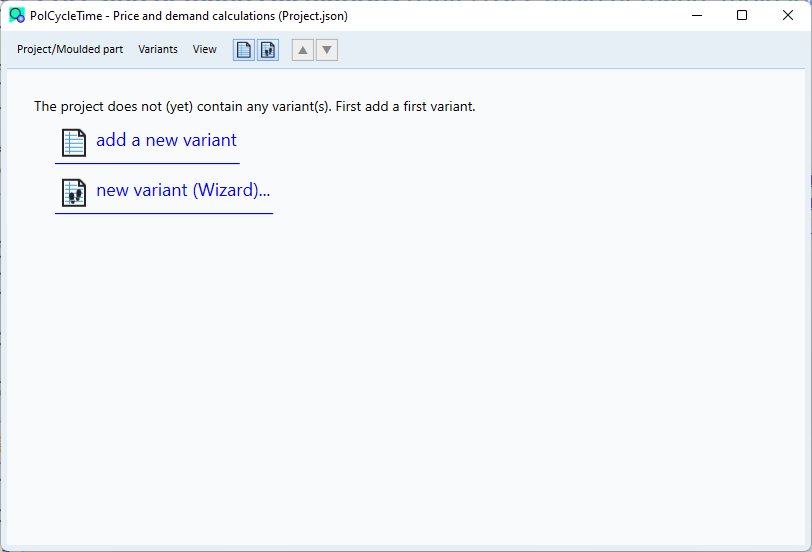
You can remove variants from the project at any time. If there are no more variants, the following view appears in the project main window. Here you can add a new variant again. Or you can use the functions of the Variants menu.