Add a copy of an existing variant
Each variant has its own menu and button bar in the main project window.
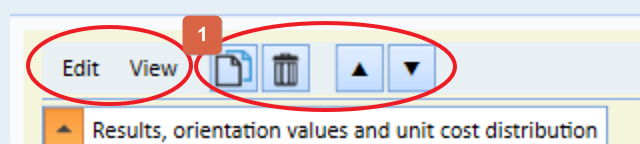
Either you click 1 or you select the corresponding menu item in the Edit menu.
A new variant is immediately created as a copy. The copy contains all the inputs/decisions of the variant to be copied up to that point.
We recommend that you edit at least the name and background color of the new variant immediately afterwards.