Print/Print Preview
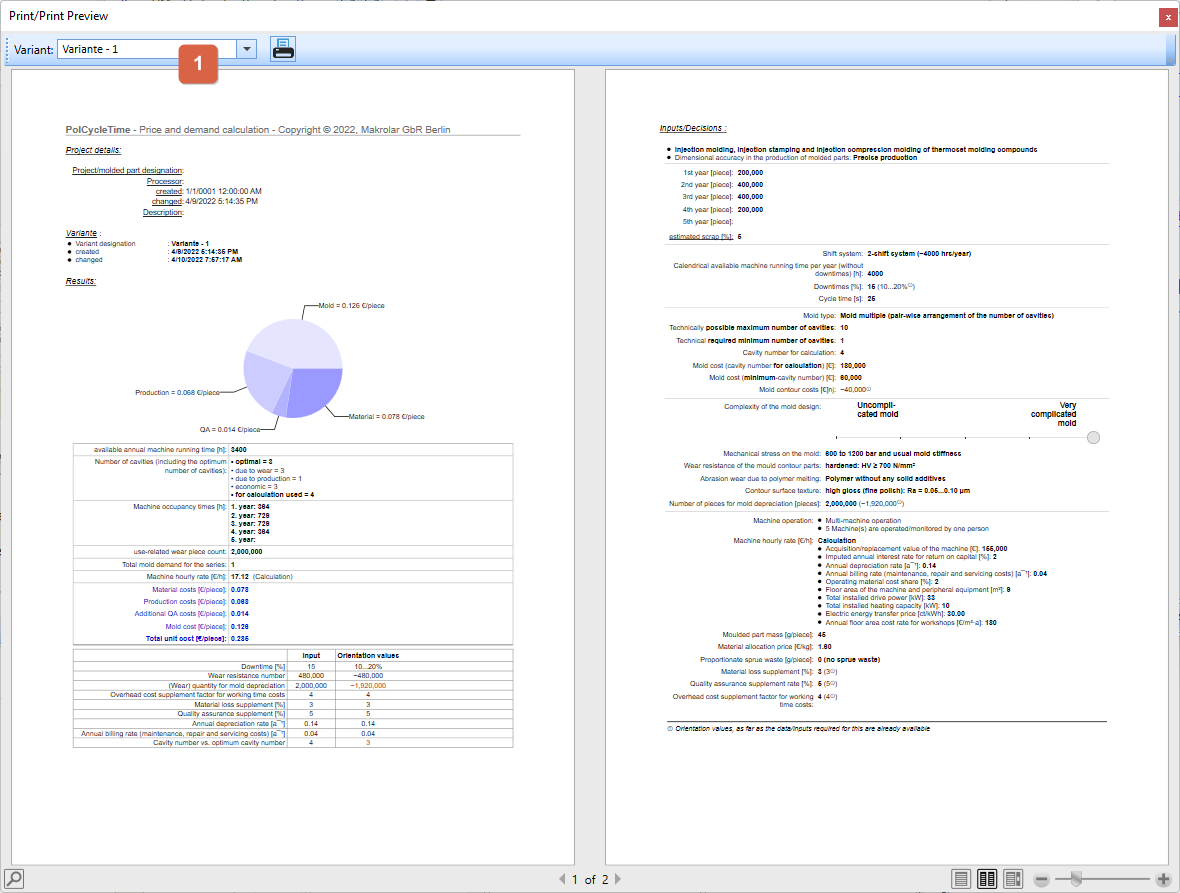
All variants of a project can be displayed and printed with all inputs, decisions and results as a print preview.
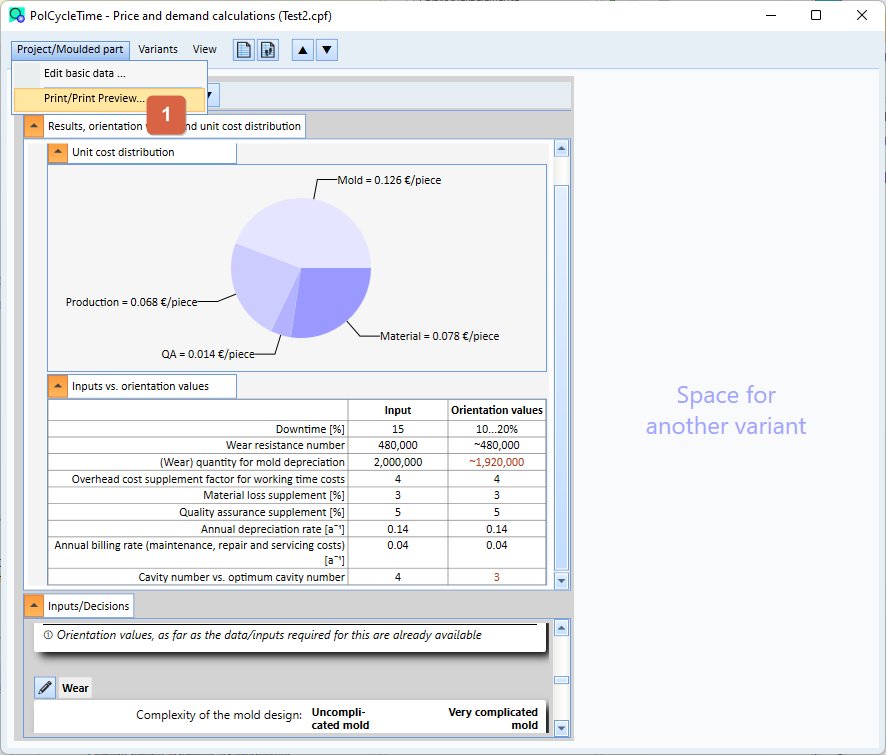
The function for printing/print preview can be found in the project main window and the menu Project/Mould part 1 .
Another window is opened in which the first variant is displayed as a print preview. If you want to print another variant, select the corresponding variant via the selection list ( 1 ). Click on the printer icon to print the selected variant.