Load an existing project
Switch back to the main window of PolCycleTime to the corresponding tab.
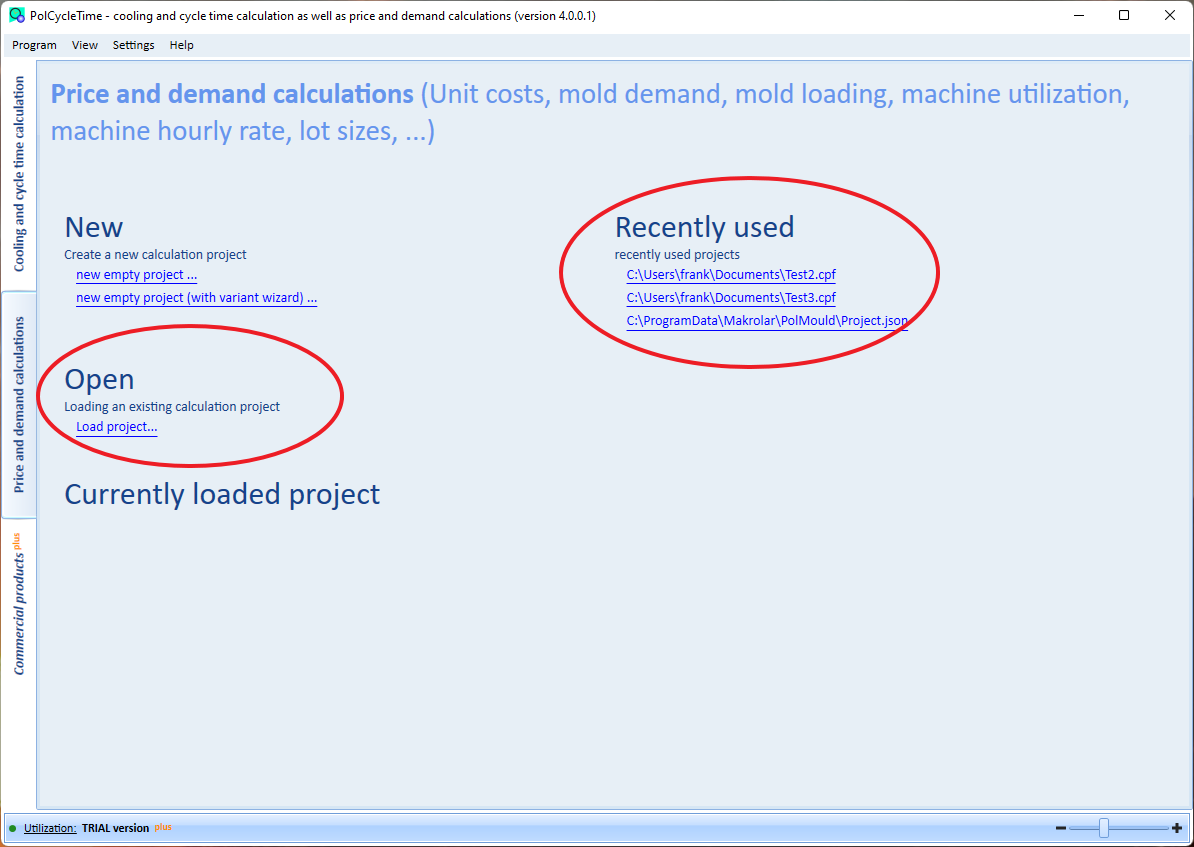
You can click on Load project in the "Open" area. Afterwards a corresponding window will be opened where you can select the file. After that the project main window opens.
Or, if a project has already been loaded, it will appear in the list in the "Recently used" area. Simply click on an entry in the list to load the project and display the main project window. Only the last five projects are displayed in the list.