Project main window
In the main project window, individual variants are arranged horizontally. For each variant the results and the inputs/decisions can be seen.
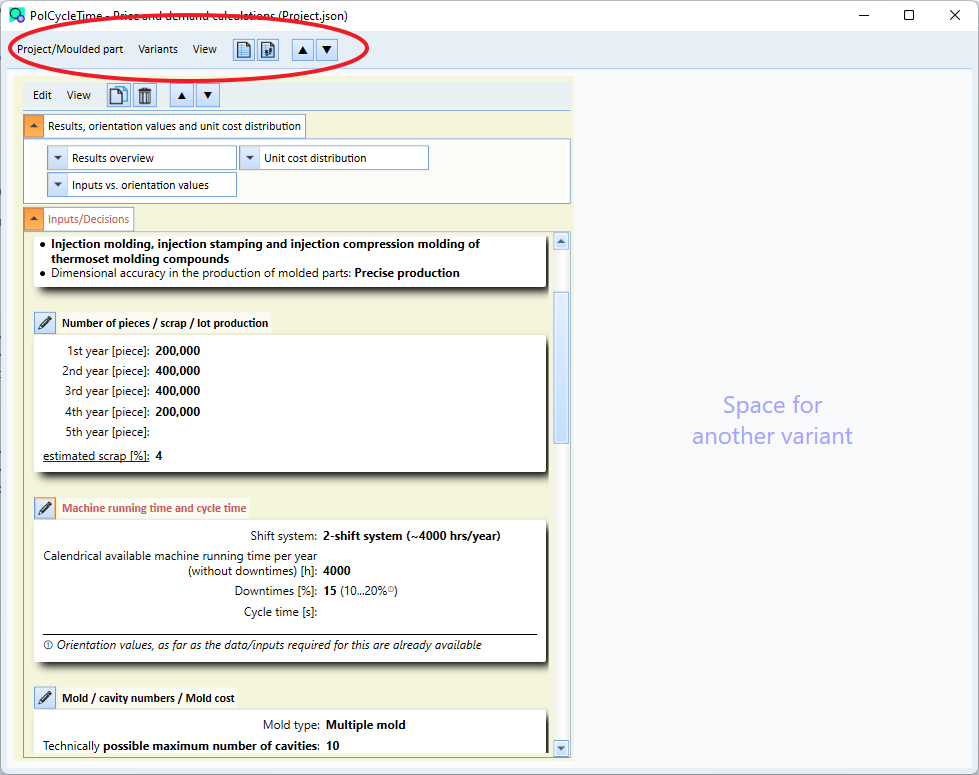
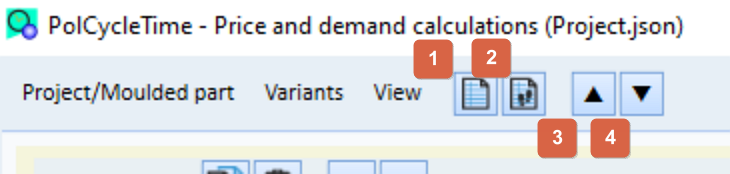
Various functions can be called up via the main menu or the buttons of the main window.
- Edit project basic data (name, editor, description) (via the menu Project/Mold Part)
- call the print/print preview window (via the Project/Mold Part menu)
- add a new empty variant 1
- add a new empty variant (wizard) 2
- close/hide all groups (results and inputs) of all variants 3
- open/show all groups (results and inputs) of all variants 4