Project management
You can manage your projects in individual files. For this purpose there is a corresponding tab as well as a corresponding menu in the main menu.
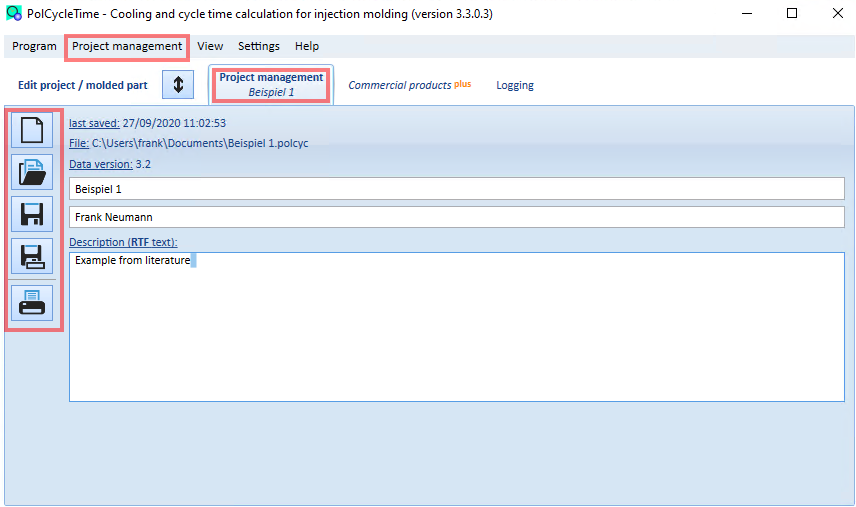
The following functions are available and can be called up via the buttons shown or the corresponding menu items:
- Create new project. Your previous data will be lost
- load an existing project. Your previous data will be lost.
- save the current data. At least one project name must be entered to be able to save the project as a file.
- save the current data under another file (file name)
- display the entries and results in a print preview and print them out