Snap-in element
Their current selection is displayed in the Snap-in Element tab.
Via the switch [...] 1 , you can subsequently assign a different snap-in element. In this case, the values for the joining and release angles are deleted and must be entered again.
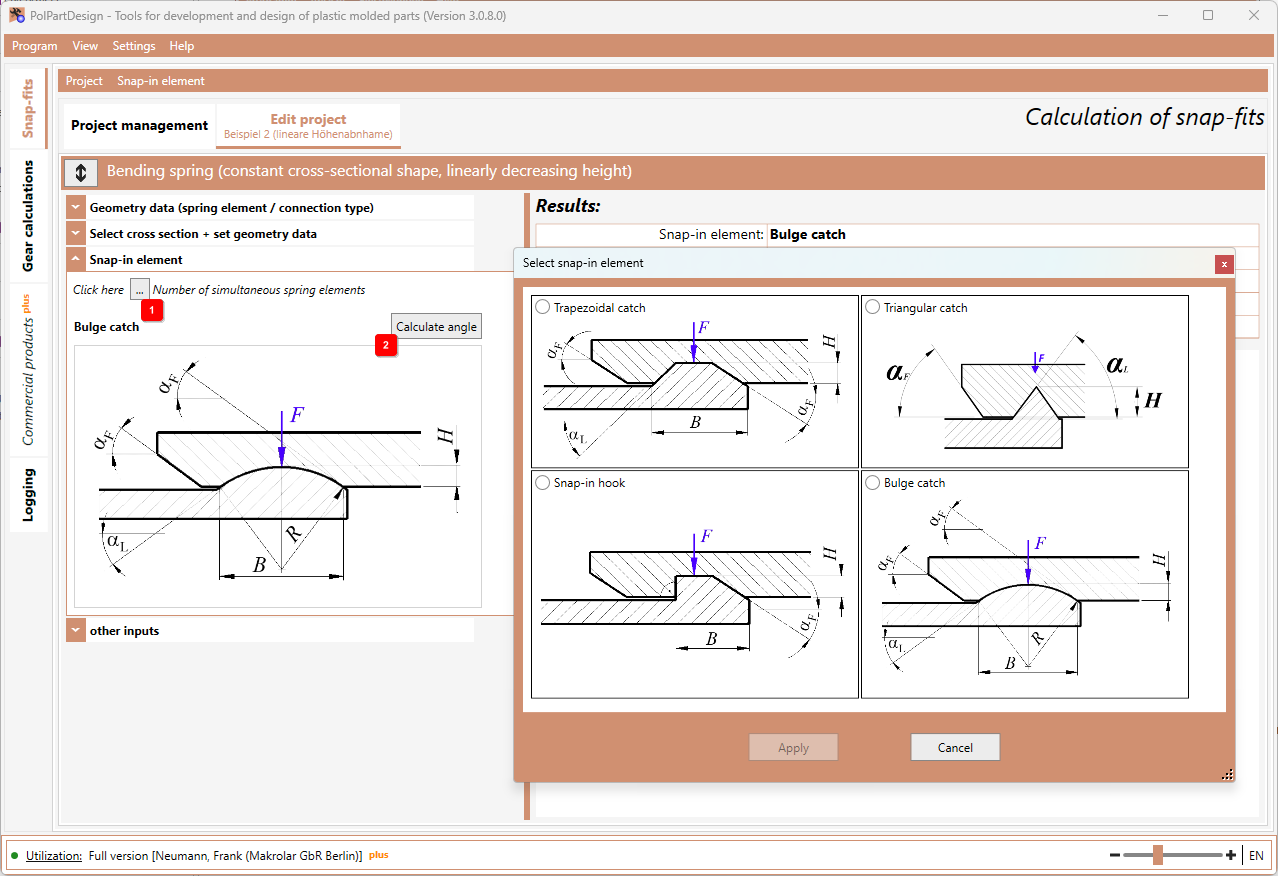
- If you have selected the snap-in hook as the snap-in element, 90° is automatically entered as the release angle ("undetachable connection").
- If you have selected the bulge snap-in element as the snap-in element, you can calculate the joining and release angles 2 and accept them.
- The selection of snap-in elements depends on the type of connection or the spring element. For example, no snap-in element can be selected for a closed ball-snap connection.