Orientation values
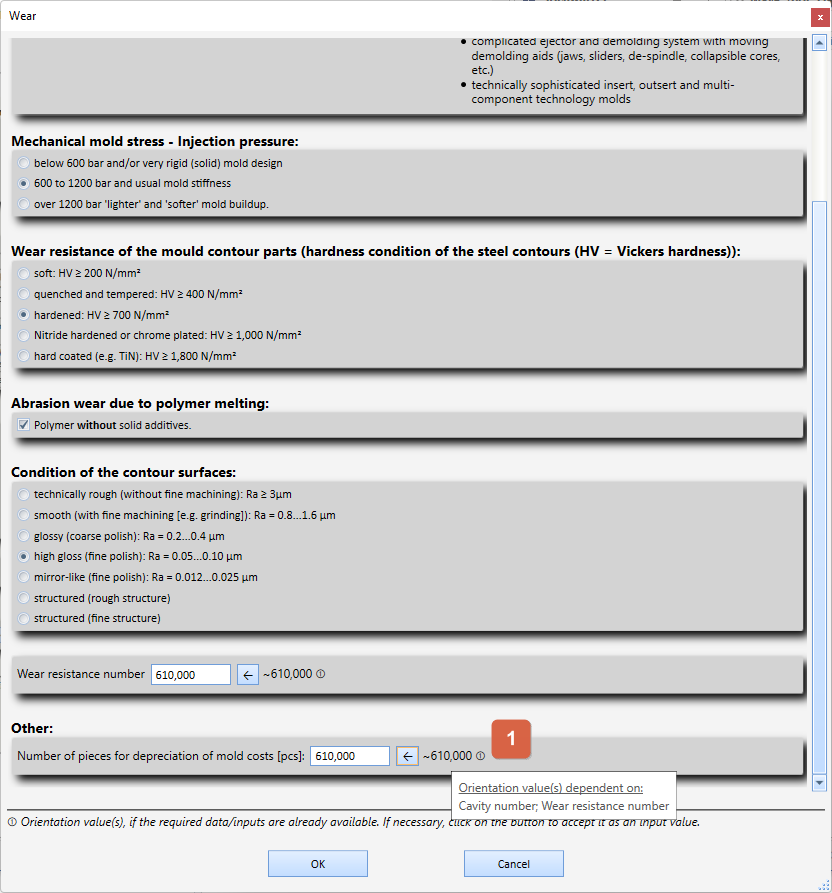
In some windows for editing inputs/decisions, corresponding orientation values appear next to the respective input field.
These orientation values usually require previous input and decisions in order to be able to calculate them. Which dependencies these are is shown in a corresponding tooltip ( 1 ) next to the orientation value (move the mouse cursor over the orientation value to display the tooltip).
To accept the orientation value as an input value, click the corresponding button on the left with the arrow symbol (←).